The following shows how to use Windows 10 to search with multiple terms.
For example – looking for either JPG or PNG files.
In File Explorer enter your search terms separated with OR
*.jpg OR *.png
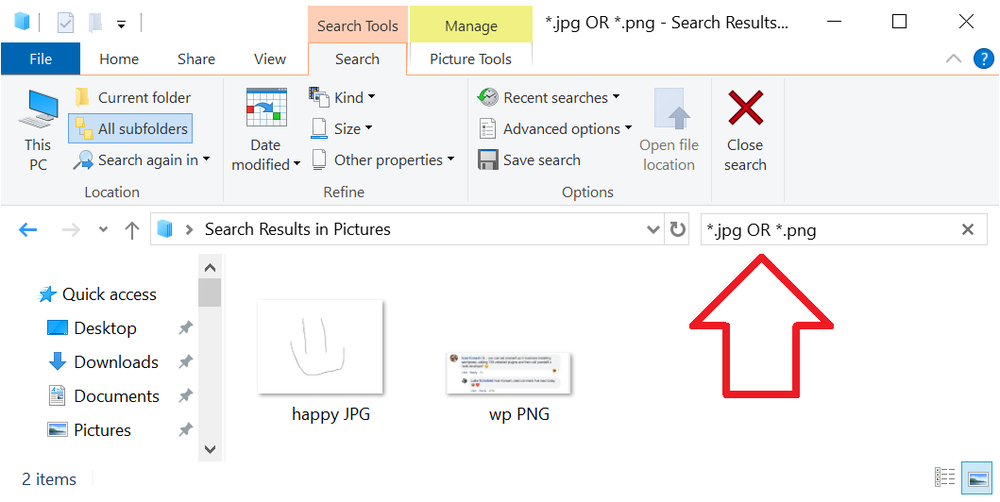
The following shows how to use Windows 10 to search with multiple terms.
For example – looking for either JPG or PNG files.
In File Explorer enter your search terms separated with OR
*.jpg OR *.png