Problem
When attempting to install Office 2013 you receive an error message which reads:
On this pageJump to a section
Setup Error
We can't install the 64-bit version of Office because we found the following 32-bit programs on your PC:
Office 15 Click-to-Run Extensibility Component
Please uninstall all 32-bit Office programs, then retry installing 64-bit Office. If you want to install 32-bit Office instead, please run the 32-bit setup.
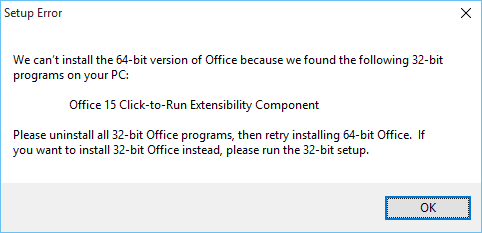
However, Office 15 Click-to-Run Extensibility Component is not listed in the control panel and cannot be uninstalled.
Solution
There are two known solutions to this problem – you may need to do one or both.
Solution 1 : Remove registry keys
To work around this issue you need to manually remove the traces of the application from the computers registry.
The steps below detail how to open the registry, locate the responsible keys and delete them. You will need administrator access on the computer to complete these steps.
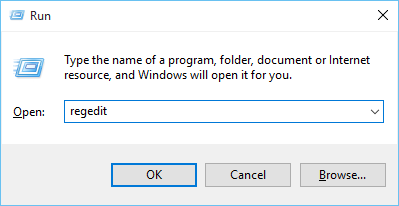
- Press the Windows button and R on the keyboard to open the run command.
- In the box enter regedit and click ‘OK’
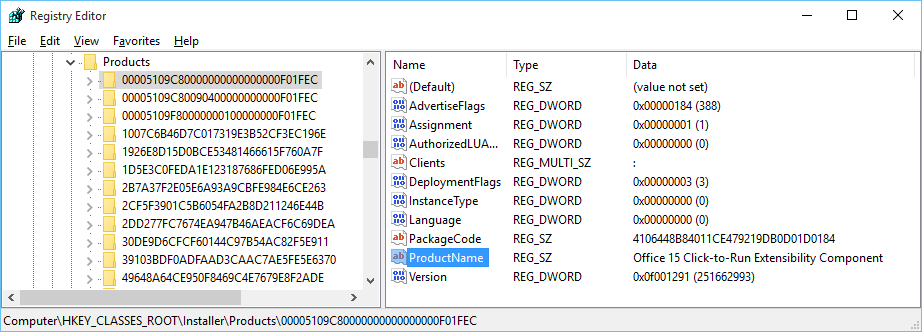
- Navigate to Computer\HKEY_CLASSES_ROOT\Installer\Products
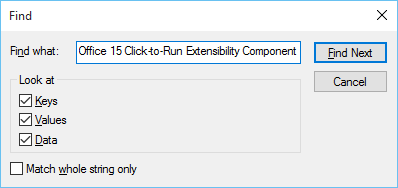
- Press Ctrl and F on your keyboard to open the find window and search for Office 15 Click-to-Run Extensibility Component
- When a ProductName record is found, delete the key that contains it.
- In this example you would delete the highlighted key 00005109C80000000000000000F01FEC
- Now close the registry editor and begin start the installation of Office 2013 again.
Solution 2 : Remove MSI installer
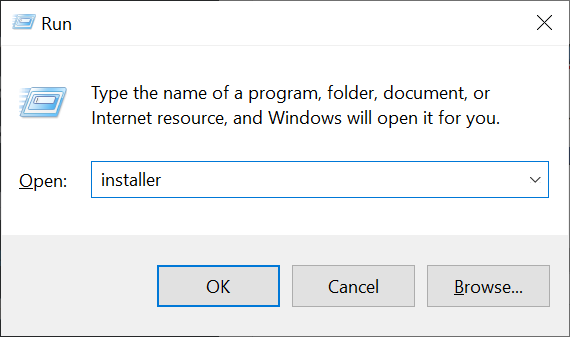
- Press the Windows button and R on the keyboard to open the run command.
- In the box enter installer and click ‘OK’
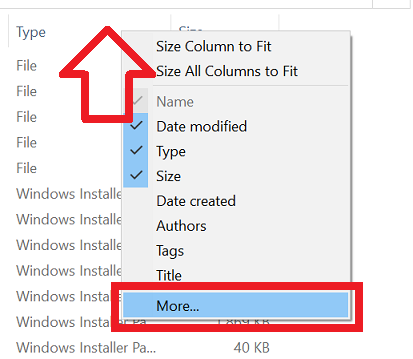
- Right-click on the top columns and choose ‘More’
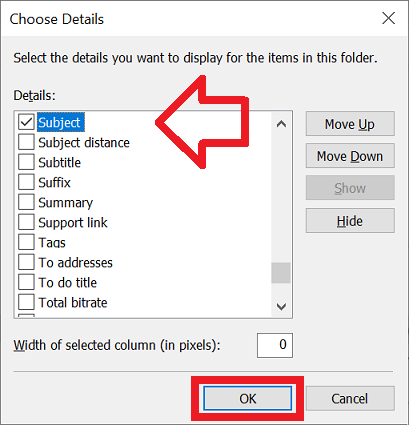
- Tick ‘Subject’ and click ‘OK’
- Using the newly added ‘Subject’ column – locate the MSI installer and delete it
You saved my day. Microsoft full of idiots!
thanks
Thank you! This was really helpful. It worked perfectly fine with me.
Also works with Office 2016, but the key number is different, was still the first in my list though.
Hi Sir ,
Good Day!!!
Can you guide me the office 15 click-to-run extensibility component I can’t delete the key 00005109C80000000000000000F01FEC from my system,when delete the key one massage came in my system Unable delete,how to remove the key Please reply .
Kind Regards