Unlike Google Chrome – it’s quite easy to disable autoplay videos in Firefox.
The functionality is built right into Firefox- meaning no third-party extensions required.
While it’s not absolutely perfect – it’s a whole lot better than Google Chrome’s failed attempt to block autoplay videos.
Here’s how:
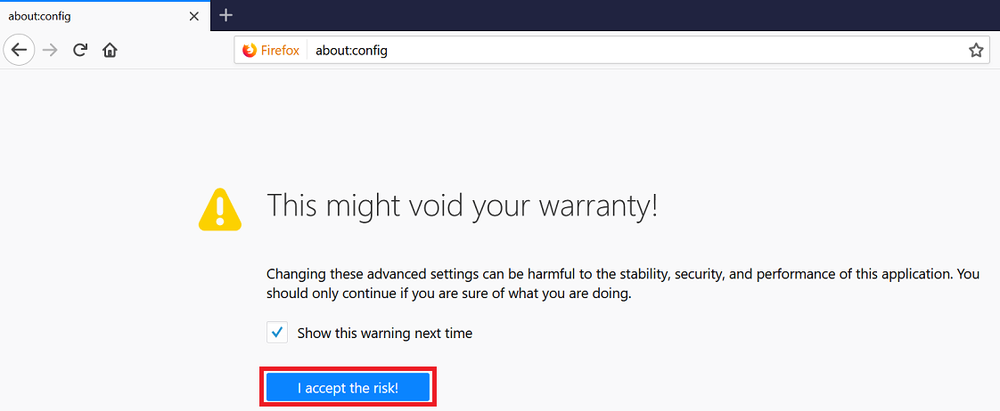
- In the address bar enter about:config and hit enter
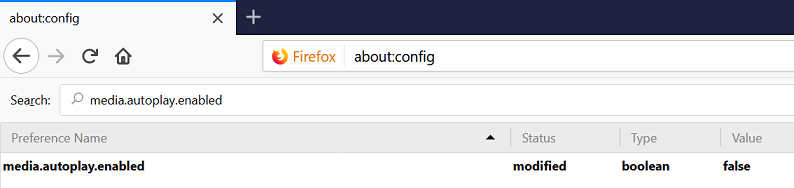
- In the search box, enter media.autoplay.enabled
- Double-click on the setting to change the value to false
It’s hard to judge of course, but, near as i can tell, about as many videos autoplay with this about:config fix applied, and even no-autoplay extensions used, as before.
I have a philosophical bias for Firefox, but i’m starting to doubt Mozilla’s sincerity in barring environmentally-destructive videos.