
Using WordPress ‘extract_from_markers()’ PHP function
Extracts strings from between the BEGIN and END markers in the .htaccess file.
Extracts strings from between the BEGIN and END markers in the .htaccess file.
The `flush_rewrite_rules()` function in WordPress resets the site's URL structure and rewrites any URLs that were created by previous requests
Inserts an array of strings into a file (.htaccess), placing it between BEGIN and END markers.

Learn how to use the gform_upload_root_htaccess_rules filter in Gravity Forms to control the rules generated for the base upload path and prevent the addition of default rules to the.htaccess file.
The 'flush_rewrite_rules_hard' PHP filter in WordPress is a powerful tool for developers to reset permalinks and rewrite rules.
The 'mod_rewrite_rules' PHP filter in WordPress allows developers to modify the URL structure of their website, improving SEO and user experience.
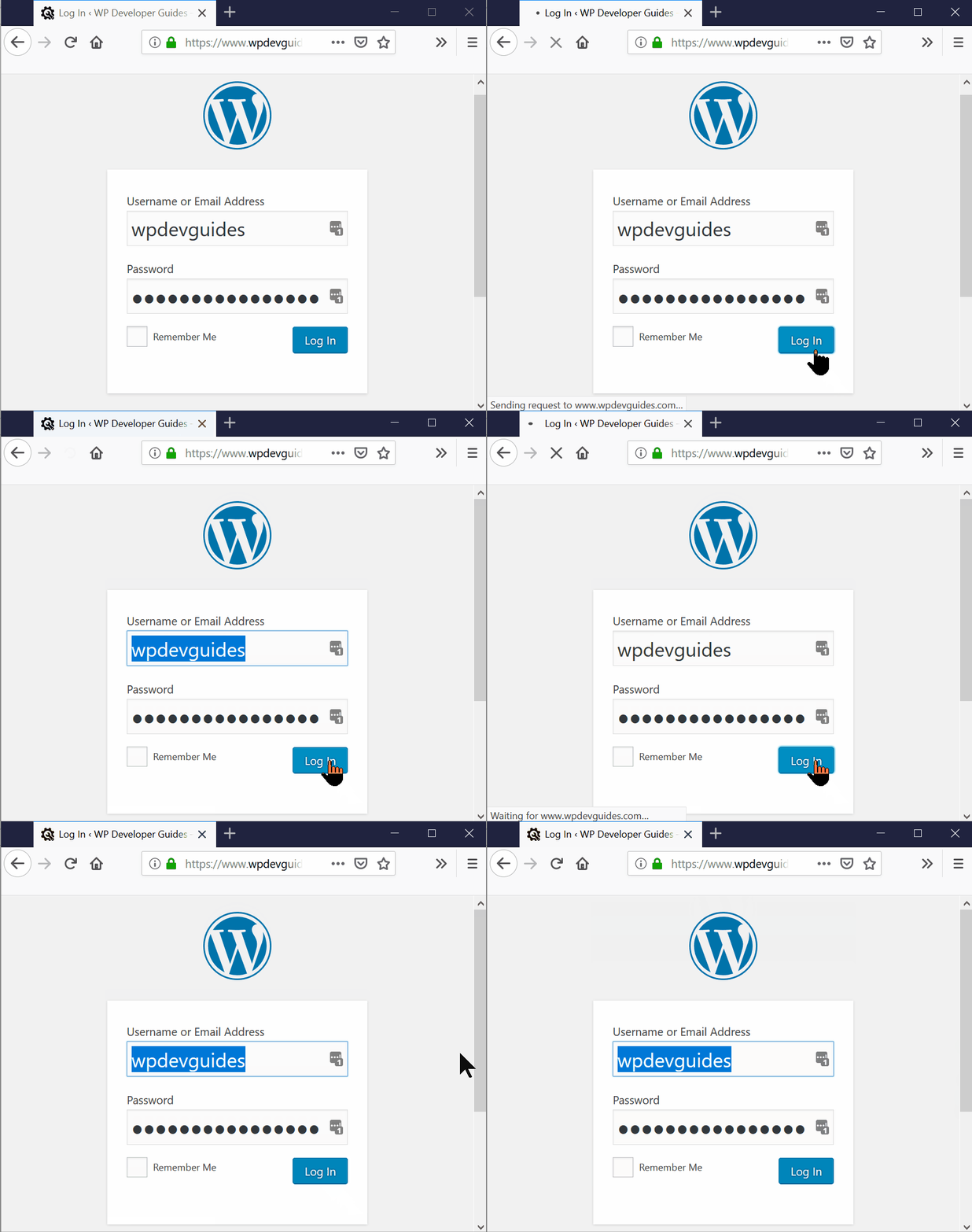
This article provides solutions to fix a WordPress login redirect loop. It suggests several methods to try, including clearing page cookies, deleting all browser cookies, temporarily disabling all plugins and…
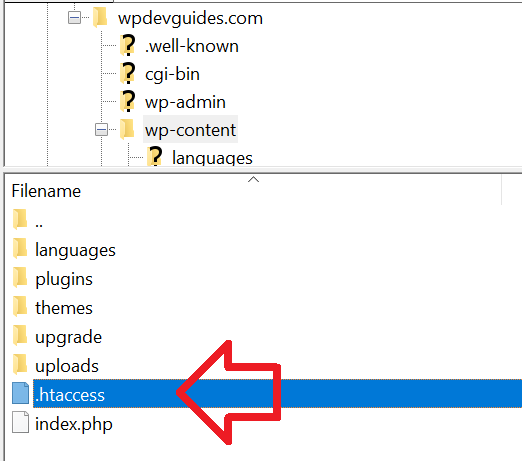
Learn how to protect your WordPress site from hacking attempts by blocking PHP execution in the uploads directory with our step-by-step guide. Create an.htaccess file and add the code provided…
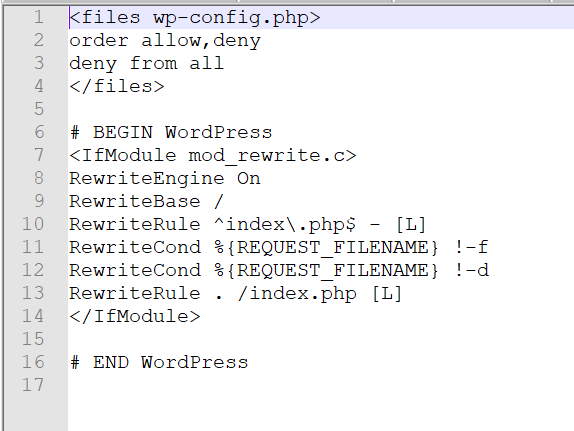
Learn how to protect your WordPress site's wp-config.php file with our step-by-step guide. Add the code provided to your.htaccess file to prevent unauthorized access and keep your site secure.