When VLC Media Player is in full screen mode the toolbar appears when the mouse is moved.
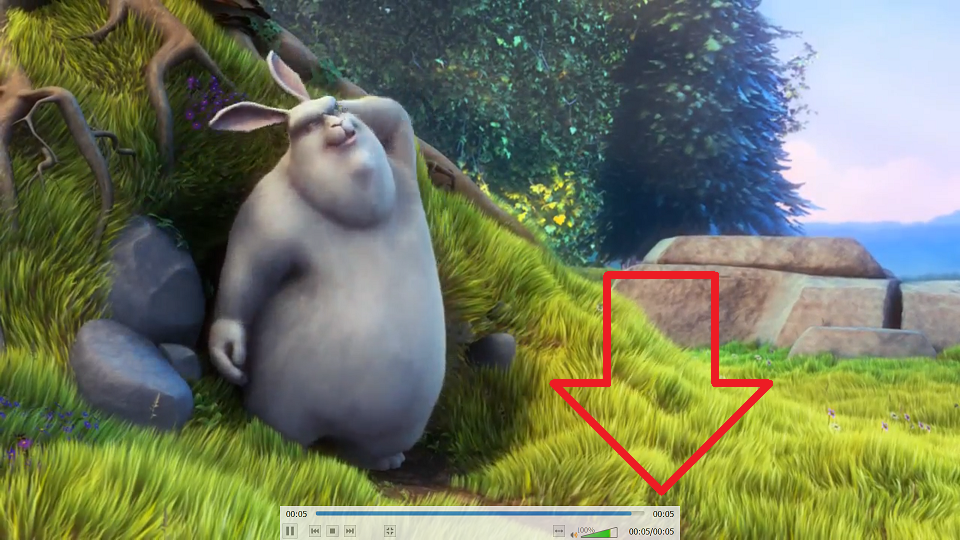
These these show how to disable the toolbar when in full screen mode.
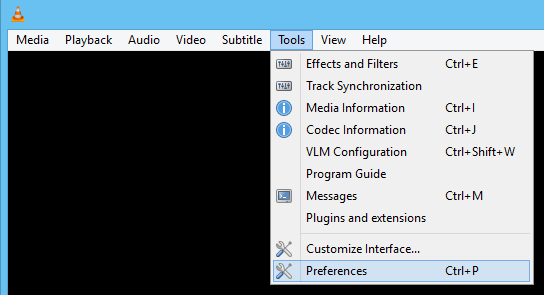
- With VLC Media Player open, click on the ‘Tools’ menu then ‘Preferences’
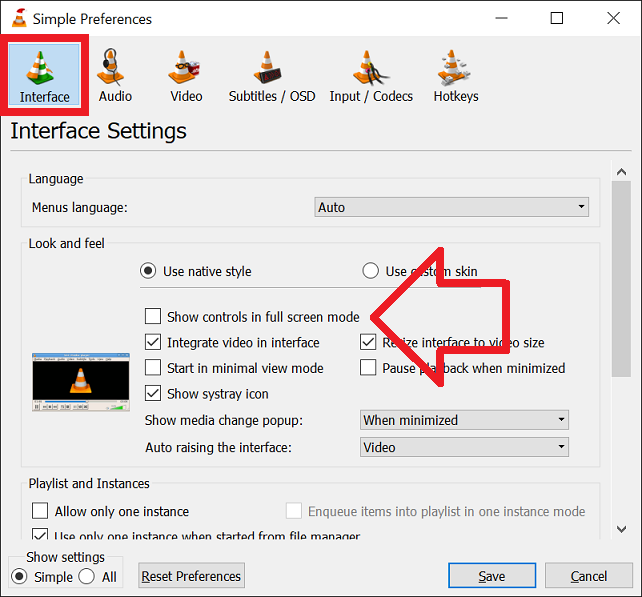
- In the ‘Interface’ menu un-tick ‘Show controls in full screen mode’
- Click ‘Save’ to save the changes
- The toolbar will no longer be shown in full screen
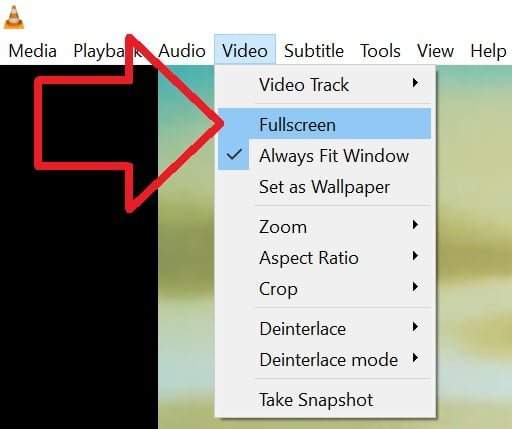
To go into full screen mode either:
- Double-click on the video being played, or
- Select the ‘Video‘ > ‘Full Screen’ option
How do you do it on Mac?
Thank you, works a treat
This does not work.
I have the same problem. The stated fix didn’t work for me either.
This doesn’t work for some reason. VLC still shows the tool bar on the bottom and the menus at the top in full screen mode.