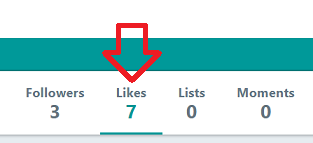
 The following steps show how to bulk unlike tweets on Twitter.
The process involves running a custom script in the browser debug console. It may work in other browsers, but is recommended to use Google Chrome.
NOTE: It may need to be ran multiple times to completely clear your tweets.
- Open Google Chrome
- Go to your twitter profile “likes” tab https://twitter.com/username/likes
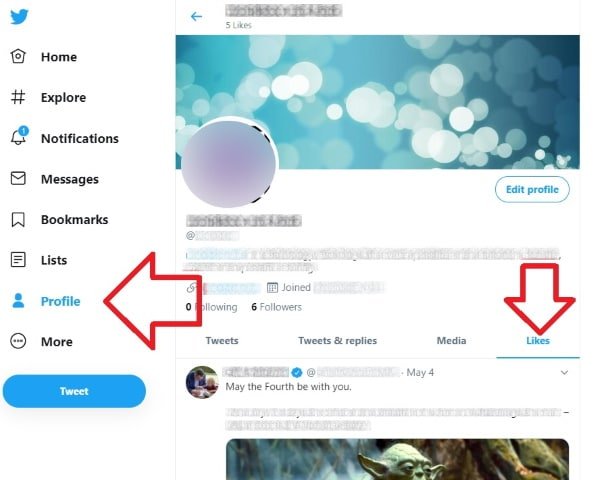
- Press F12 on your keyboard – this opens the browsers debug console
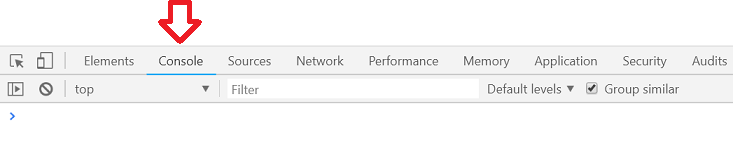
- Open the ‘Console’ tab
- Copy the following script
-
setInterval(() => { for (const d of document.querySelectorAll('div[data-testid="unlike"]')) { d.click() } window.scrollTo(0, document.body.scrollHeight) }, 1000) - In the bottom of the debug console, next to the blue arrow, paste it in

- Press enter the run the script
- Note – you may need to refresh the page and run the script again, several times, to completely clear your list.
This worked flawlessly. Is it possible to twitch it so it only unlike tweets from a certain date?
Thank you so much for sharing this valuable information. It took me just 15 seconds to unlike 1200 tweets.
Right now code only unlikes 1500 tweets unfortunately
Thanks for figuring out the code for the current version of Twitter. Some of the people that I used to follow have become really radical with their political tweets and I don’t want to be seen even liking their non-political tweets.
Uncaught ReferenceError: $ is not defined
How do I fix that?
Hi Ann – the article has been updated to work with the latest Twitter.