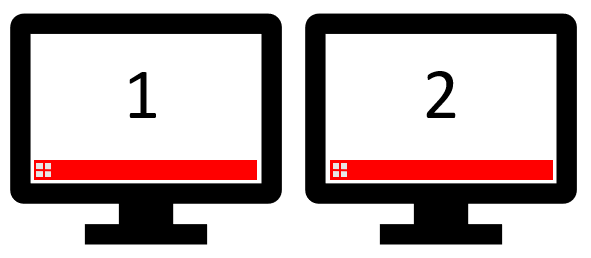
The following steps show how to disable the second start menu when using multiple screens on Windows 10.
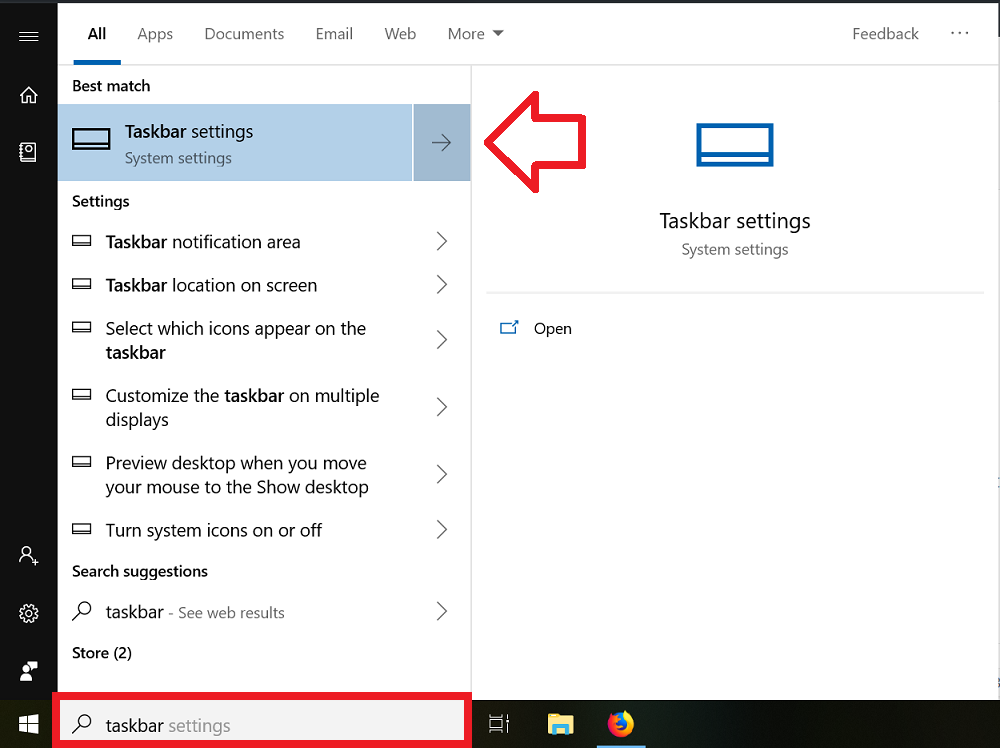
- In the Windows search box, type Taskbar settings and click on it when it appears in the search results
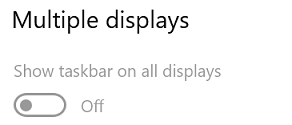
- Scroll down until you see ‘Multiple displays’
- Set ‘Show taskbars on multiple displays’ to ‘Off’
Why not remove the complete monitor?
This is why dislike buttons are needed…
This removes the ENTIRE taskbar, not just the start menu. Please don’t give your articles misleading titles, thanks.
wow …. genius. Just get rid of the whole taskbar, that will definitely get rid of the start bar. How do you do it as the title suggests, remove the start button and search button from a secondary monitor keeping the taskbar
Your tutorial shows how to disable the ENTIRE taskbar, not just the start menu, from the 2nd monitor.
You should either:
Title your tutorial “How to disable the TASK BAR on multiple screens”
or
Provide a tutorial for disabling the 2nd Start Menu, without disabling the 2nd taskbar