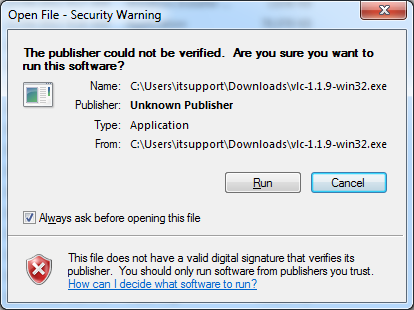
[SOLVED] How to Disable Windows 7 Popup – “The publisher could not be verified"
Learn how to disable the 'Publisher could not be verified' popup in Windows 7 for a more secure browsing experience.
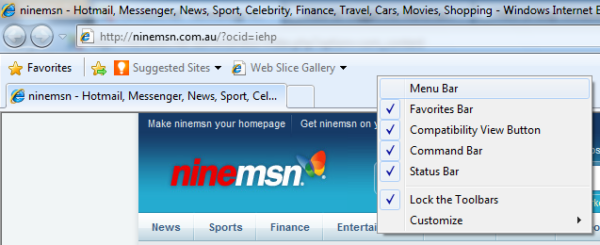
How to enable the menu bar in Internet Explorer 8 for easier navigation.How to Make Your Own Website Using HTML, CSS, JavaScript, and PHP - Step-by-Step Tutorial (2023)==============================================================================================In this article,…
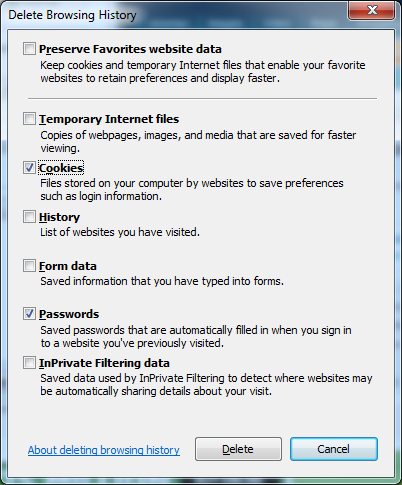
Learn how to easily delete saved passwords in Internet Explorer for improved security.
Learn about various methods to customize the default user profile in Windows 7, including using group policy preferences, copying a configured profile, using sysprep, modifying the default user registry hive,…
How to Customize USMT for Windows 7 with Exclusions - Expert Tips & Tricks
How to Automatically Customize Internet Explorer 8 in Windows 7 for Businesses
Learn how to troubleshoot Adobe Acrobat not showing up on your Windows 10 device by following these simple steps.
This article provides instructions on how to automatically deploy Internet Explorer 8 using System Center Configuration Manager (SCCM) Remote Collection in Microsoft Windows Server 2008 R2.
Learn how to customize your Windows 7 taskbar to resemble the classic look of Windows XP or Vista with these simple step-by-step instructions.