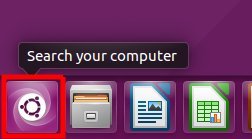
Ubuntu 16.04 Desktop – How to make Windows + D show desktop
Learn how to customize your Ubuntu 16.04 desktop by assigning the Super + D keyboard command to show the desktop and enabling the show desktop icon in the launcher.
Learn how to customize your Ubuntu 16.04 desktop by assigning the Super + D keyboard command to show the desktop and enabling the show desktop icon in the launcher.
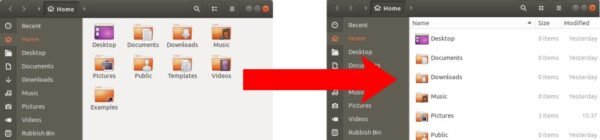
Learn how to easily change the default view for files and folders in Ubuntu 18.04 desktop to "View Items As A List" from the default grid view, using just a…
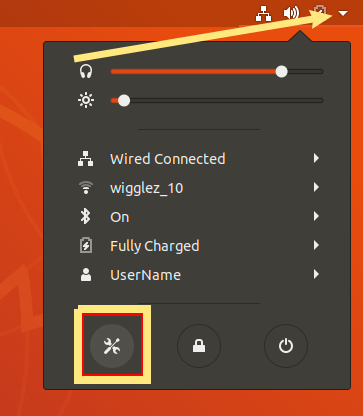
Learn how to modify the behavior of the print screen key in Ubuntu 18.04 to directly copy the screenshot to the clipboard for easy pasting.
This article provides step-by-step instructions on how to set VLC Media Player as the default video player in Ubuntu 18.04 and 16.04. Follow these easy steps to make your preferred…
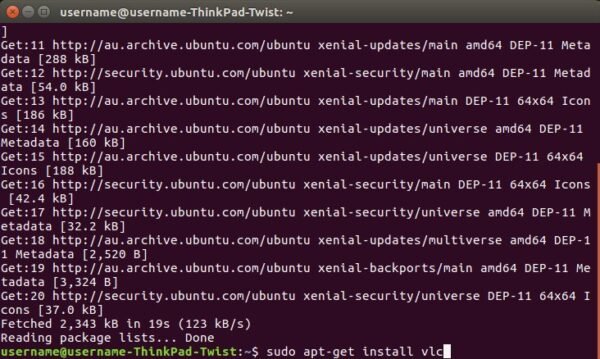
Learn how to easily install VLC Media Player on Ubuntu 16.04 using the terminal. Follow these simple steps to refresh the software repository, run the installation command and set it…
Move the Ubuntu 18.04 Launcher to the Bottom or Right of the Screen - Learn how to change the position of the launcher using the settings panel in Ubuntu 18.04…
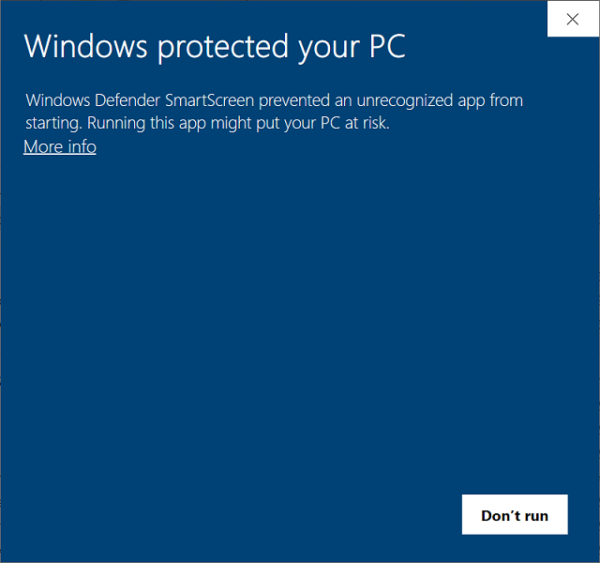
Windows Defender SmartScreen is a security feature in Windows 10 that checks if an application is a "good" application. Learn why it may prevent certain applications, how to override the…
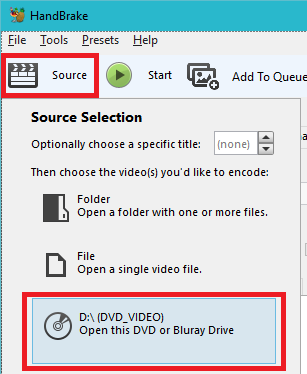
Learn how to easily convert your DVD's to MP4 format with Handbrake
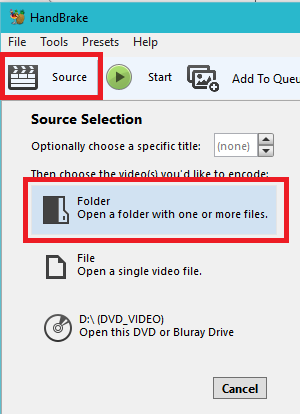
Learn how to easily convert VIDEO_TS VOB DVD files to MP4 format with Handbrake"Please support me by following me on LinkedIn -