By default Windows 7 does not provide you the ability to unlock a locked screen.
Table of contents
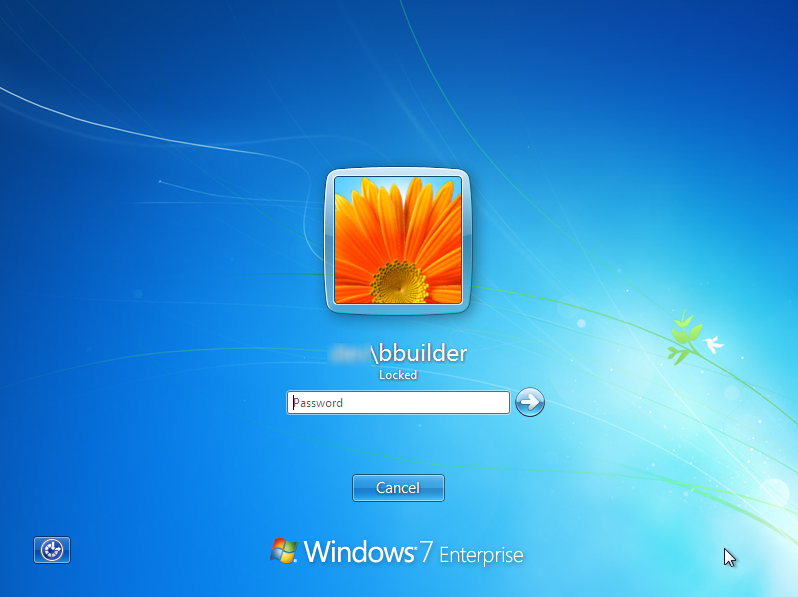
With Windows XP this was helpful when a shared system (such as a meeting room computer) had been locked by a previous user and the new user needed to log on.
To date the only ‘solution’ for this was to power off the computer by holding down the power button, however there is now a third party extension called ‘Administrative Unlock’ which will add this feature to your Windows 7 computer.
The following guide describes how to install and use ‘Administrative Unlock’.
Please note: you will need administrative rights to install and use this plugin.
How to enable ‘Other User’ / ‘Unlock’ for locked Windows 7 computers
Install the plug-in
- Download the ZIPPED application here
- Extract the files to a temporary location (e.g. your desktop)
- Right click on the appropriate install CMD file and select ‘Run as administrator’
- For Windows 7 64-bit – select Install_x64.cmd
- For Windows 7 32-bit – select Install_x86.cmd (if you’re not sure – it’s quite likely this is your option)
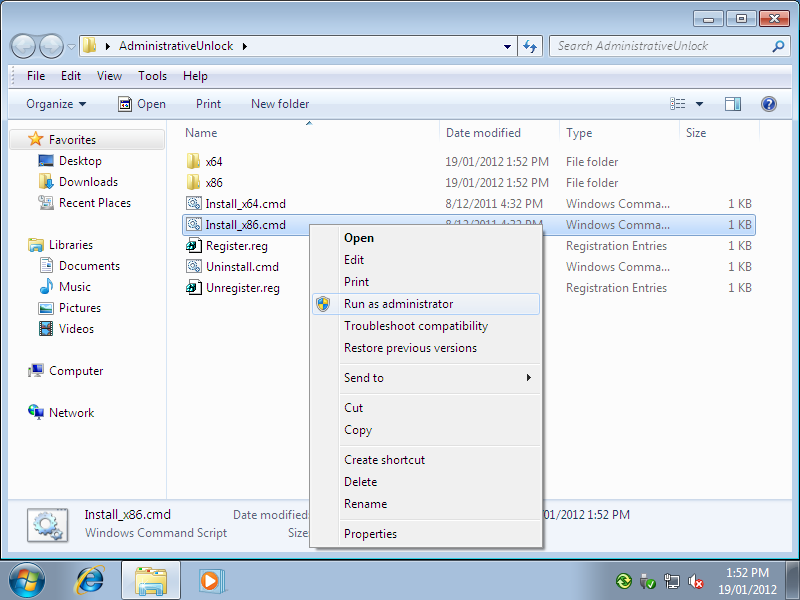
- If prompted for a user name and password, enter your system administrator details
Administrative Unlock Plug-in in Action
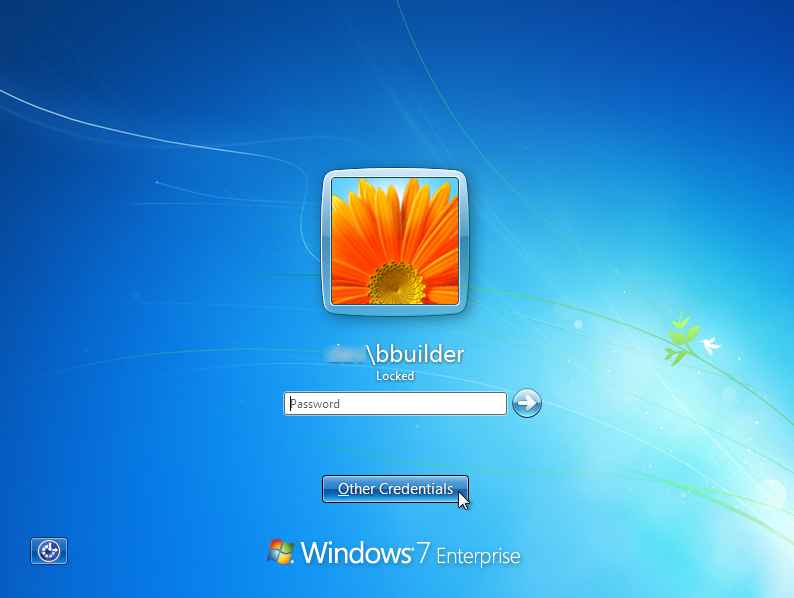
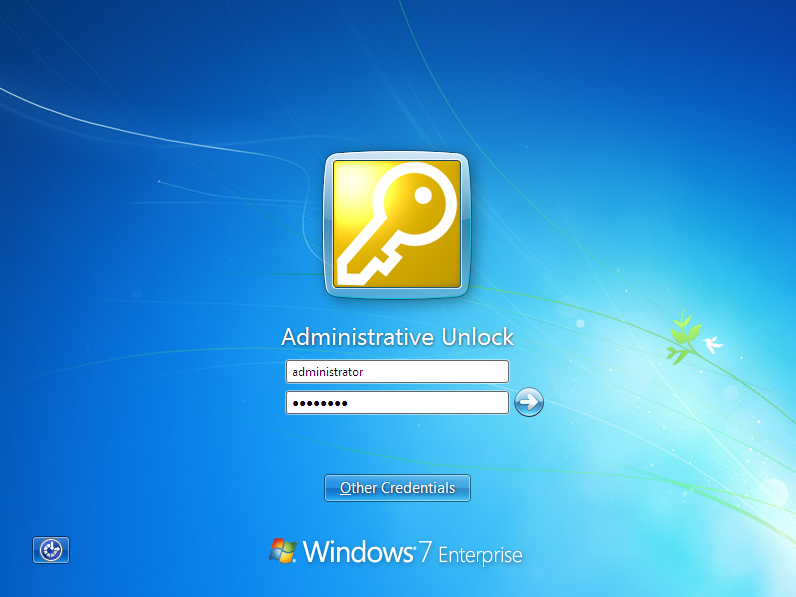
Now when you go to unlock the system you will have a new option called ‘Other Credentials’
After selecting ‘Other Credentials’ select ‘Administrative Unlock’
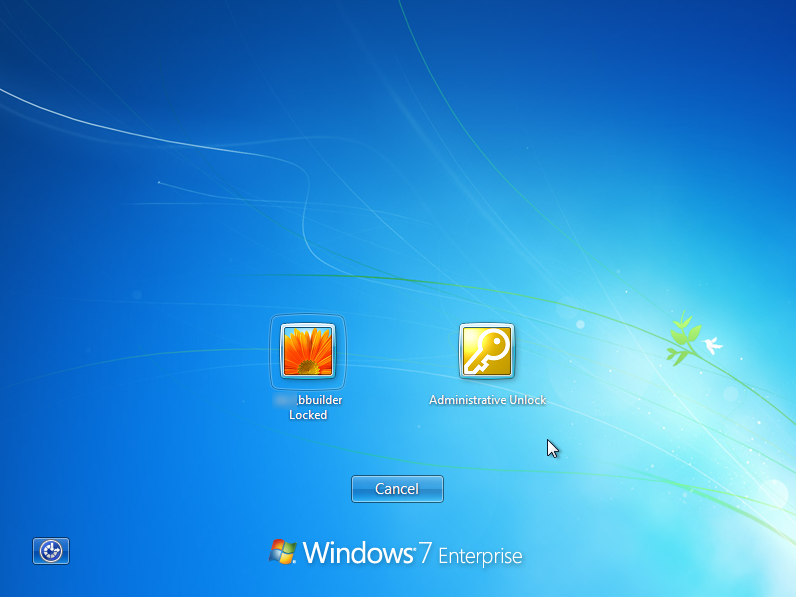
After entering a system administrator username and password the system will be logged off, ready for the next user to log on.
Actually, i was, and i made an update today that adds a few useful features. Works for Windows 10 as well btw.
Anonymous Microsoft employee at this forum page
xhttp://social.technet.microsoft.com/Forums/windows/en-US/767d6d66-ed5f-4d59-b629-267f3ea1dcba/how-to-unlock-windows-7-enterprise-when-another-user-has-locked-the-screen?forum=w7itprosecurity
I am just attempting to test this solution and was looking for more information.
If you are going to trial this download this page as a screen shot reference for later. It is the ony one I have found so far.
Who was the creator of this??