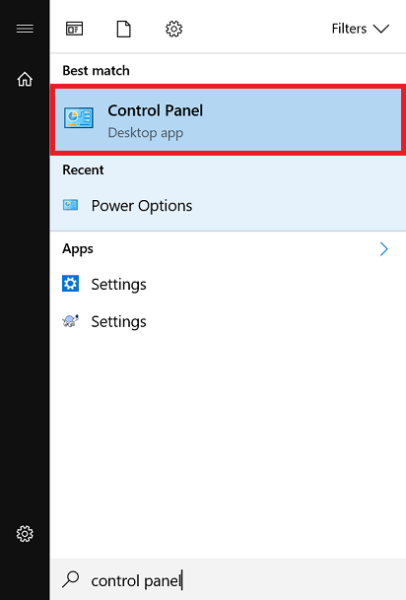
Windows 10 – How to stop laptop going to sleep when lid closed
Learn how to prevent your Windows 10 laptop from going into sleep mode when the lid is closed by changing the power settings.
Learn how to prevent your Windows 10 laptop from going into sleep mode when the lid is closed by changing the power settings.
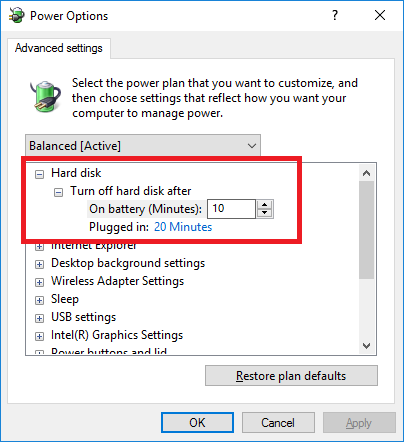
Learn how to adjust the hard drive power down setting in Windows 10 to improve performance and extend the lifespan of your mechanical hard drives.
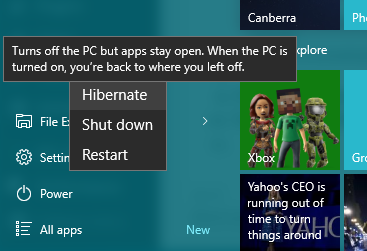
Learn how to enable the Hibernate power option in Windows 10 for faster startup times.
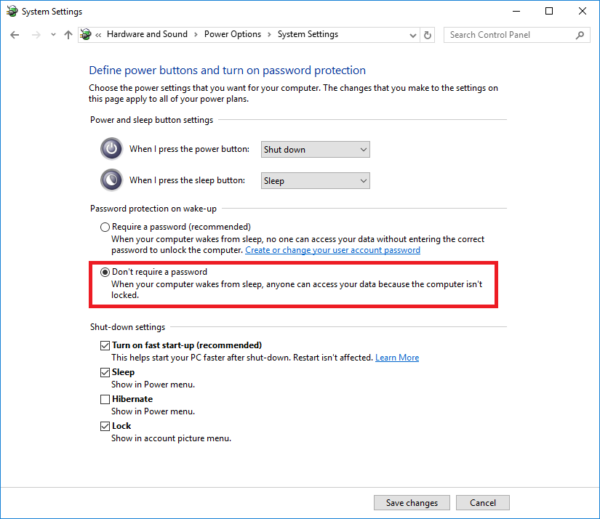
Learn how to automatically log into your Windows 10 device without a password after waking it up from sleep mode with these easy step-by-step instructions.""This article provides a quick guide…
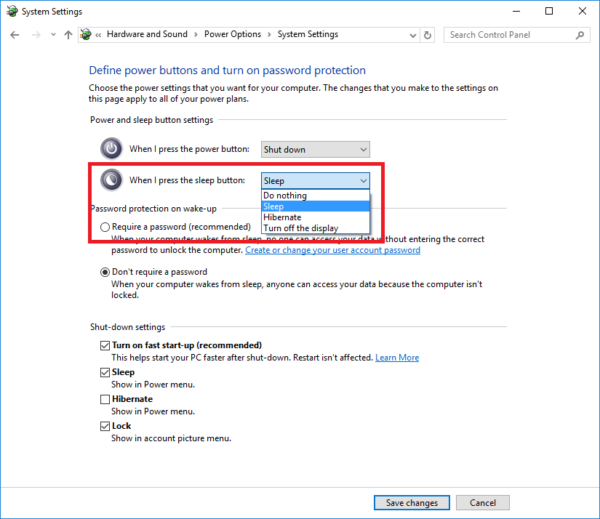
Learn how to customize the actions that occur when closing your laptop's lid using Windows 10.
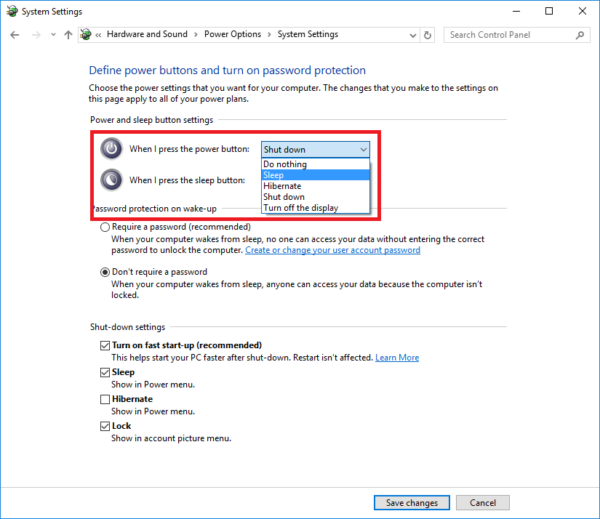
Learn how to customize the Power Button behavior in Windows 10 by choosing from options such as Do Nothing, Sleep, Hibernate, Shutdown or Display Off.
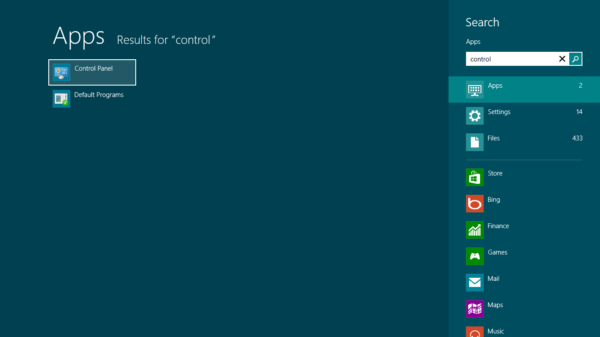
Windows 8 - Disable Adaptive Screen Brightness
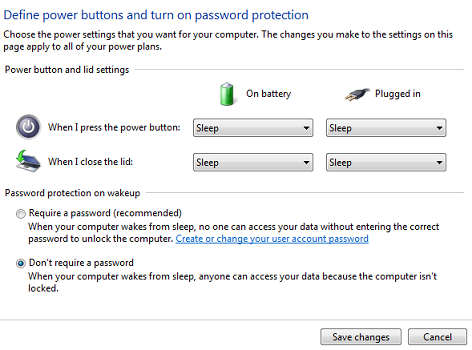
Disable locked screen upon resuming Windows 7