
How to fix pixilated/blury/blocky fonts in Google Chrome
How to Fix Pixilated/Blurred Fonts in Google Chrome - A Step-by-Step Guide
How to Fix Pixilated/Blurred Fonts in Google Chrome - A Step-by-Step Guide
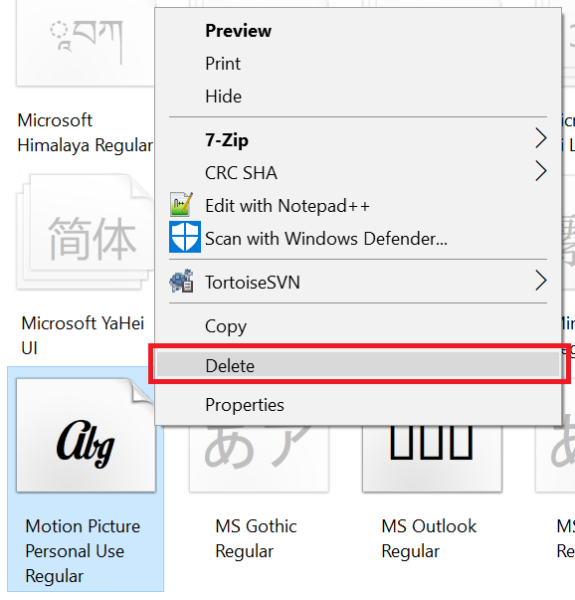
This article provides instructions on how to uninstall fonts in Windows 10 by deleting them from the Fonts folder. It also explains why this process requires administrative privileges and cautions…
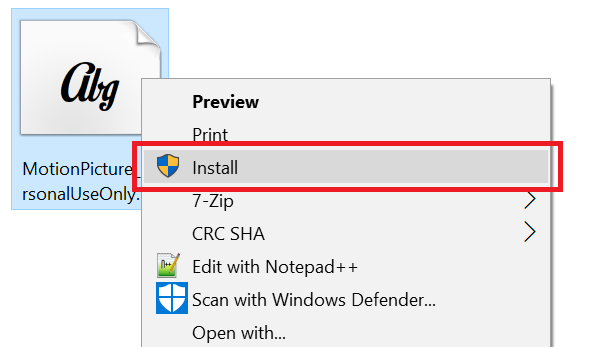
This tutorial shows three ways to install fonts in Windows 10, including right-clicking, double-clicking, and copying from one folder to another.
This article explains how to fix blurry text on a Full HD screen by providing a custom configuration to Windows 10 to minimize blurriness while maintaining legibility. Download the ZIP…
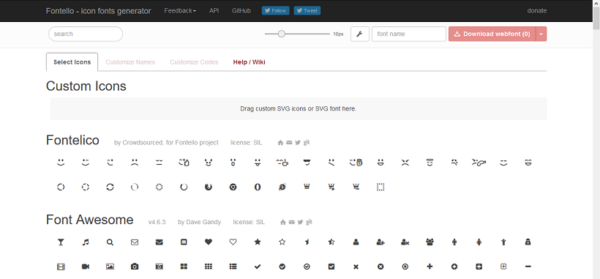
Learn how to effectively use icon fonts such as Fontello for reduced page size and faster loading times while still having access to a wide range of icons.
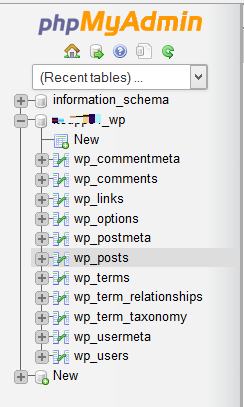
Learn how to optimize your WordPress website for speed by serving static content from a cookieless domain. Improve page load times and reduce unnecessary traffic.
The article provides a solution to fix the issue of blank squares displaying instead of font awesome icons on a website. This problem occurs due to incorrect configuration of the…
Seven Tips for Effective Web Writing""Improve your online content's readability and search engine optimization with these seven practical guidelines for writing for the web.
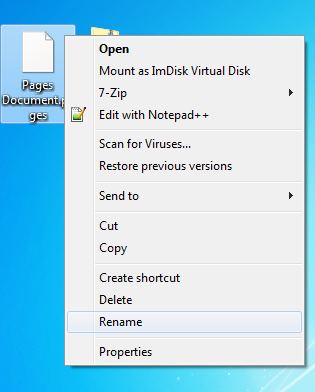
Learn how to easily access and edit.Pages files on your Windows PC