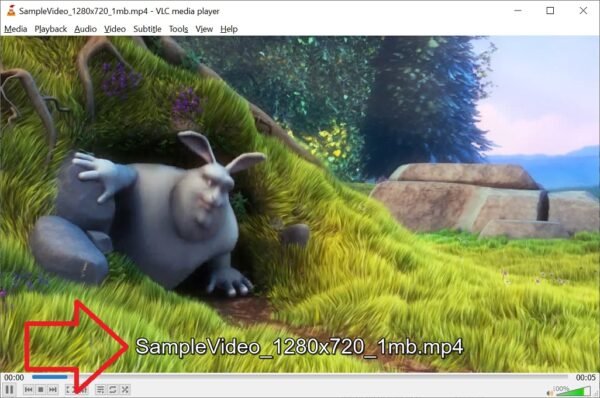
VLC Media Player – How to disable on screen file name
Learn how to hide the file name display during video playback in VLC Media Player
Learn how to hide the file name display during video playback in VLC Media Player
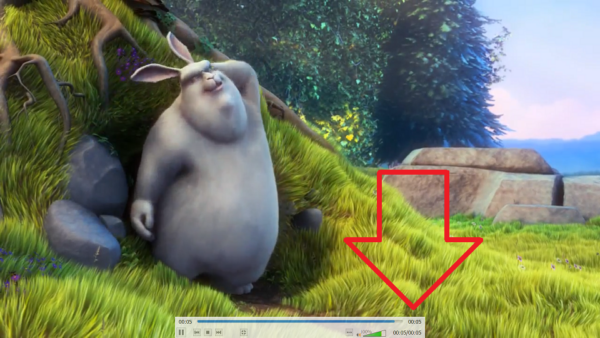
Learn how to easily disable the toolbar in VLC Media Player's full screen mode for a cleaner viewing experience.
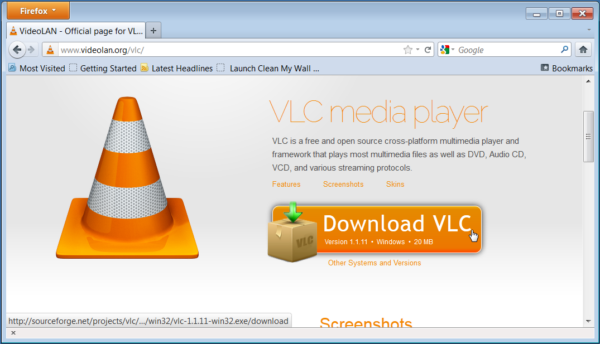
This article provides step-by-step instructions on how to install VLC Media Player silently using SCCM, including uninstalling any previous versions, removing desktop icons, and waiting for the installation to complete…
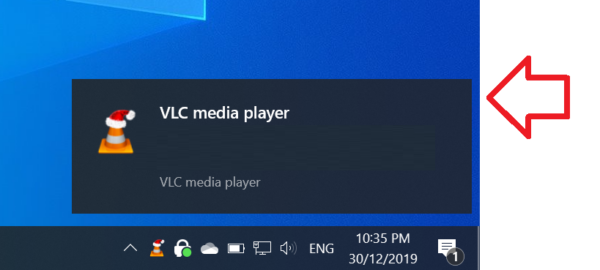
Disable Track Change Notification in VLC Media Player with these easy steps. Customize your settings and enjoy seamless media playback without any unwanted notifications.
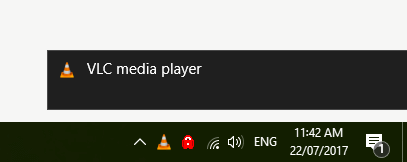
Learn how to quickly disable notification sounds in Windows 10
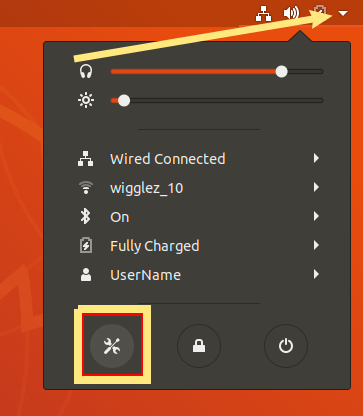
This article provides step-by-step instructions on how to set VLC Media Player as the default video player in Ubuntu 18.04 and 16.04. Follow these easy steps to make your preferred…
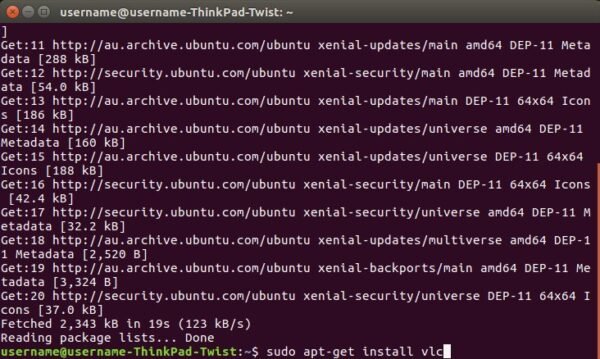
Learn how to easily install VLC Media Player on Ubuntu 16.04 using the terminal. Follow these simple steps to refresh the software repository, run the installation command and set it…
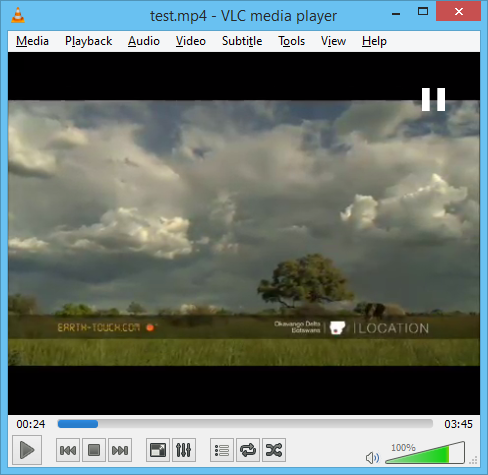
Learn how to disable the pause and play on screen icons in VLC Media Player
Learn how to use VLC media player to play videos stored in compressed ZIP and RAR files without having to extract them first.